

Input
A recognizable but slightly soft image
Choose a source where the important edges still exist, such as product outlines, facial features, or text strokes.
Illustrative Before / After preview
AI Image Sharpener to Make Your Photo Clearer
Sharpen a recognizable but slightly soft image by strengthening visible edges and local texture. Preview the result in your browser.

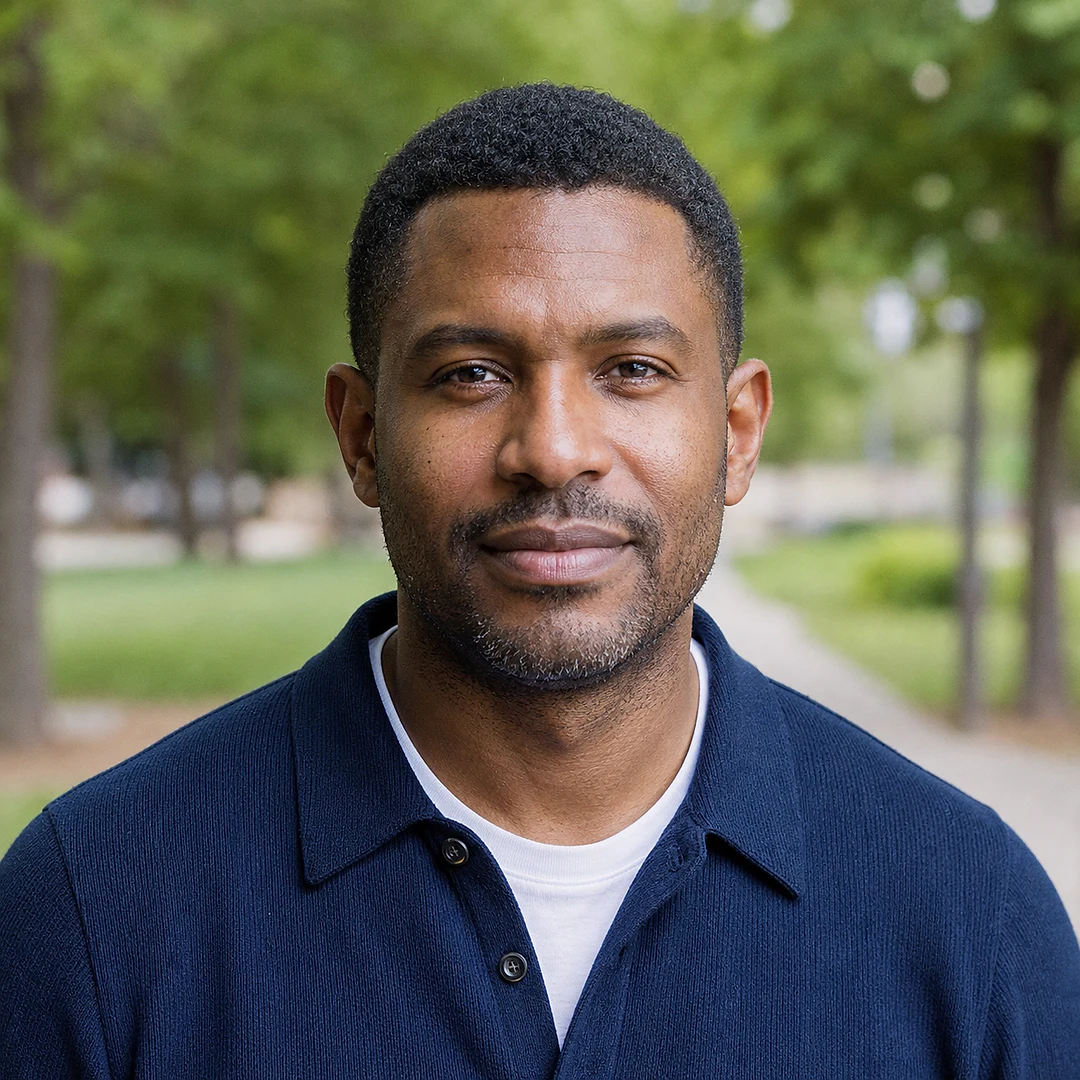
Perfect for selfies that need a clearer image for social posts or profile pics.
Before: Edges look soft and the face isn't crisp.
Illustrative after: Stronger visible edges make the portrait easier to inspect while the person and crop stay unchanged.
Use it as a clear photo text online tool to make screenshots readable.
Before: Text melts into a blur.
Illustrative after: Existing letters become easier to read while the poster layout and wording stay unchanged.
Rescue product shots or travel photos and turn them into clearer pictures.
Before: Focus misses and important details are lost.
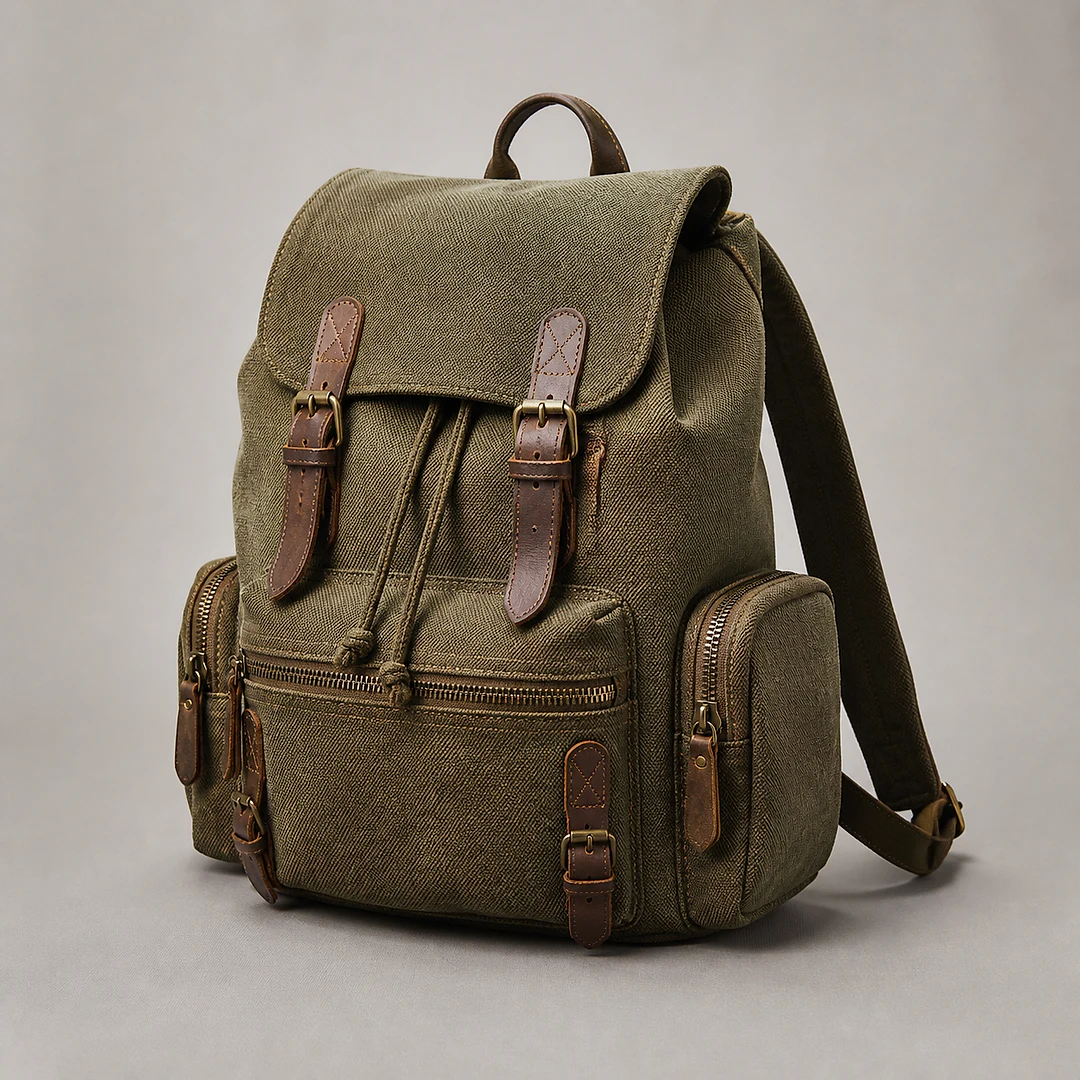
Illustrative after: Product edges and existing surface texture are easier to inspect without changing the object or background.
Sharpening strengthens visible edges and local detail in an image that is already recognizable. It is useful for slightly soft product photos, screenshots, portraits, and graphics where contours need more definition.
Important limit: Sharpening does not restore content lost to heavy motion blur or create true resolution. For broad photo cleanup use Clear Photo Online; for mixed clarity problems use Clear Image Online.
This AI image sharpener enhances edge details and boosts micro-contrast so a clear pic becomes even clearer without halos.
Automatically detects motion blur and soft focus to go from blurry to clear pictures.
Clear photo text online for documents, receipts, contracts, and screenshots.
Balances clarity, contrast, and saturation so your image looks clearer overall.
Compare the processed image with the source before deciding whether the sharper result fits your use case.
Use one clear sharpening workflow without manual masks, radius controls, or layer adjustments.
Works for any clear image issue: clear pic not sharp, clear photos lack brightness, or a clear picture still looks soft.
AI runs sharpen, unblur, text clarity, and improve clarity adjustments at once.
Compare edge definition and texture with the source before continuing.
Input
Choose a source where the important edges still exist, such as product outlines, facial features, or text strokes.
Processing
The model targets local detail while trying to avoid the harsh halos produced by a simple high-strength sharpening filter.
Output
Compare fine lines and texture with the original; switch tools if missing content, not softness, is the real problem.
A focused browser workflow for edge and texture enhancement.
Faster & easier than Photoshop, Canva, GIMP, or Adobe Express.
Compare a restrained sharpening preview with the original image.
Perfect for text and document photos with optimized typography sharpening.
Sharpen text and photo edges in the same focused workflow.
Use broader photo cleanup for portraits, travel shots, social images, and old photos.
Balance blur reduction, noise cleanup, and clarity when sharpening alone is too narrow.
Choose a deblurring workflow when motion blur or mild defocus is the main problem.
Upload a slightly soft image and compare a sharper preview with the source.
Upload Image to Sharpen