


Input
A portrait, travel shot, social photo, or old scan
Use the highest-quality copy you have, especially when faces or small background details matter.
AI PHOTO CLEARER
Turn Any Blurry Photo into a Clear, Sharp Image
Whether your photo is out of focus, pixelated, low-resolution or soft, our AI enhancement engine fixes it automatically. Upload your photo, and in just seconds you'll get a cleaner, sharper, clearer version. 100% web-based. No editing skills required.
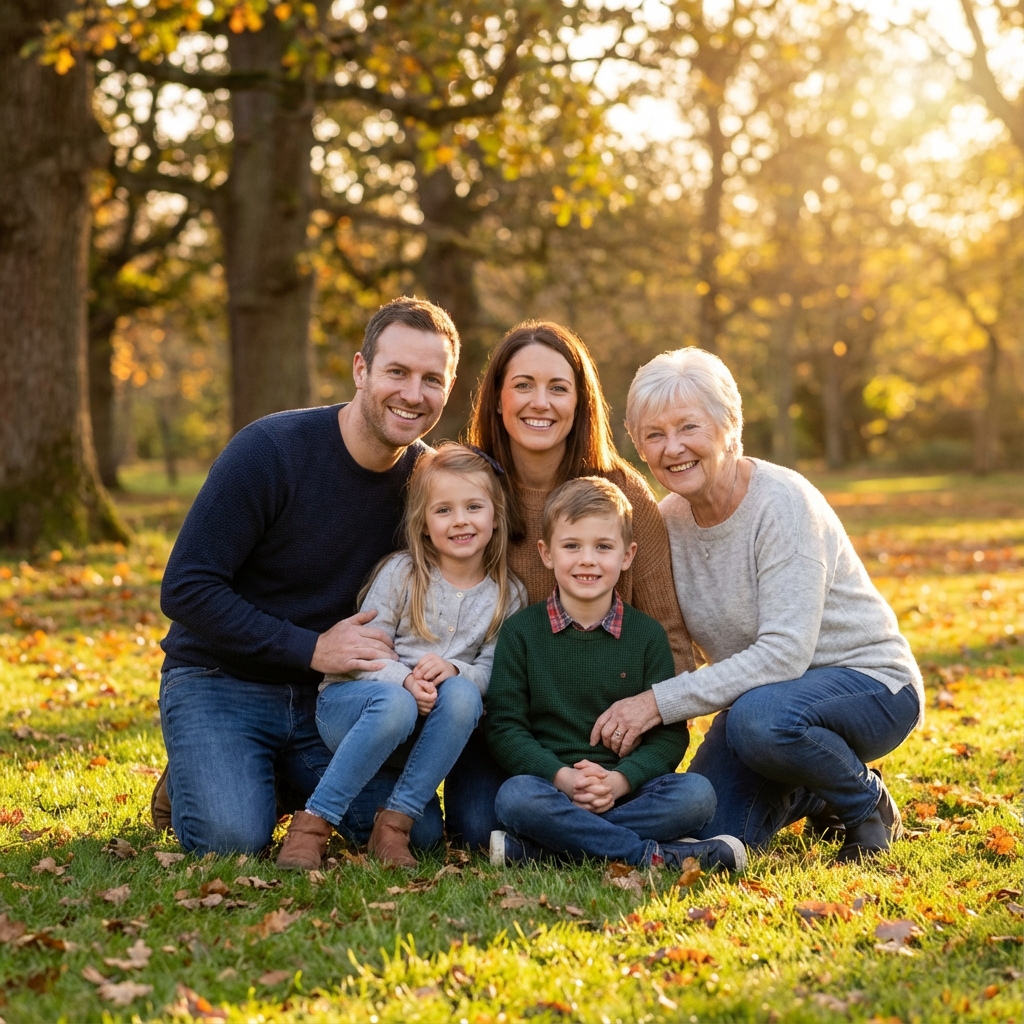
Bring travel memories back to life.
Before: Hazy
After: Vibrant
Remove motion blur from active shots.
Before: Blurred
After: Sharp
This photo-focused workflow improves the visible clarity of portraits, travel pictures, social posts, and older family photos. It combines restrained deblurring and cleanup so the photograph remains recognizable rather than simply making every edge harder.
Important limit: Clear-photo enhancement cannot recreate a face or scene that is fully smeared. If the photo is already clear and only needs crisper edges, use the dedicated image sharpener instead.
Fixes motion blur and soft focus.
AI rebuilds textures, edges and fine details.
Boosts resolution to make photos sharper.
Removes grain, pixelation and compression artifacts.
Makes photos appear cleaner and more vivid.
Ideal for photos containing text, signs or documents.
Upload your blurry or unclear photo.
AI enhances it automatically — sharpens, deblurs, restores.
Review the clearer photo preview against the source.
Input
Use the highest-quality copy you have, especially when faces or small background details matter.
Processing
The model balances clarity adjustments around faces, textures, and scene edges instead of treating the file like a document.
Output
Inspect skin, hair, objects, and background texture against the source before choosing the result.
Reduce visible blur in recognizable photos
Sharpen soft or out-of-focus details
Remove motion blur
Reduce pixelation & noise
Improve low-light or low-res photos
Upscale photos for print or posting
Completely online — no app or login
Jump to other AI clearer tools for different scenarios.
Sharpen Image
Strengthen edges when the photo is already clear but slightly soft.
VisitUnblur Image
Use a focused workflow for motion blur or mild defocus.
VisitOld Photo Restoration
Repair scratches, fading, and age damage in scanned or photographed prints.
VisitAI Face Enhancer
Improve recognizable facial detail without turning the task into beauty retouching.
VisitUpload a photo and compare the clearer preview with the source.
Clear Photo Now