
Input
An image containing recognizable text
Screenshots, document photos, labels, and scans are suitable source tasks.
Text Pixel Enhancement
Improve the visibility of existing text pixels in screenshots, documents, labels, and scans. This tool enhances the image; it does not perform OCR or extract text.
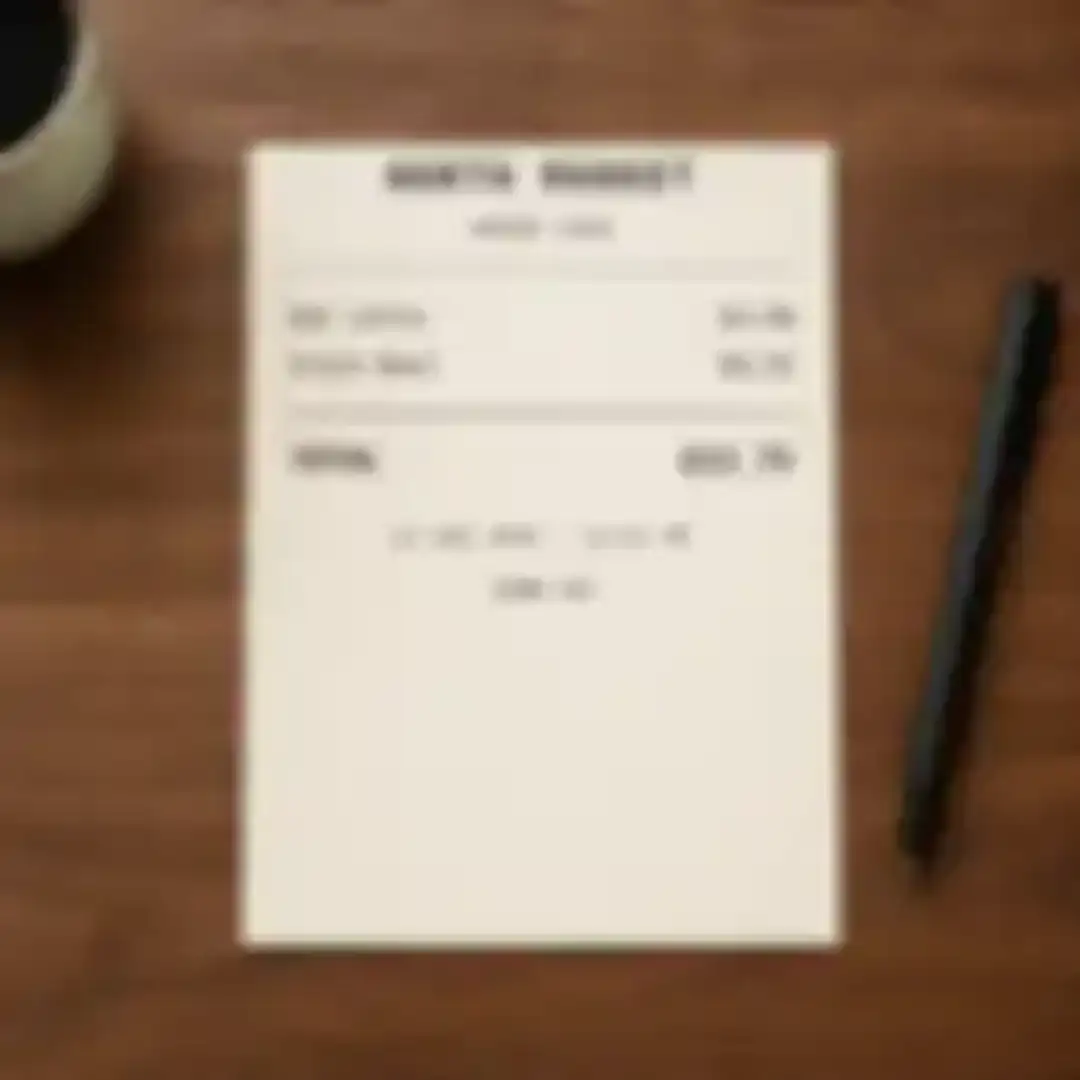
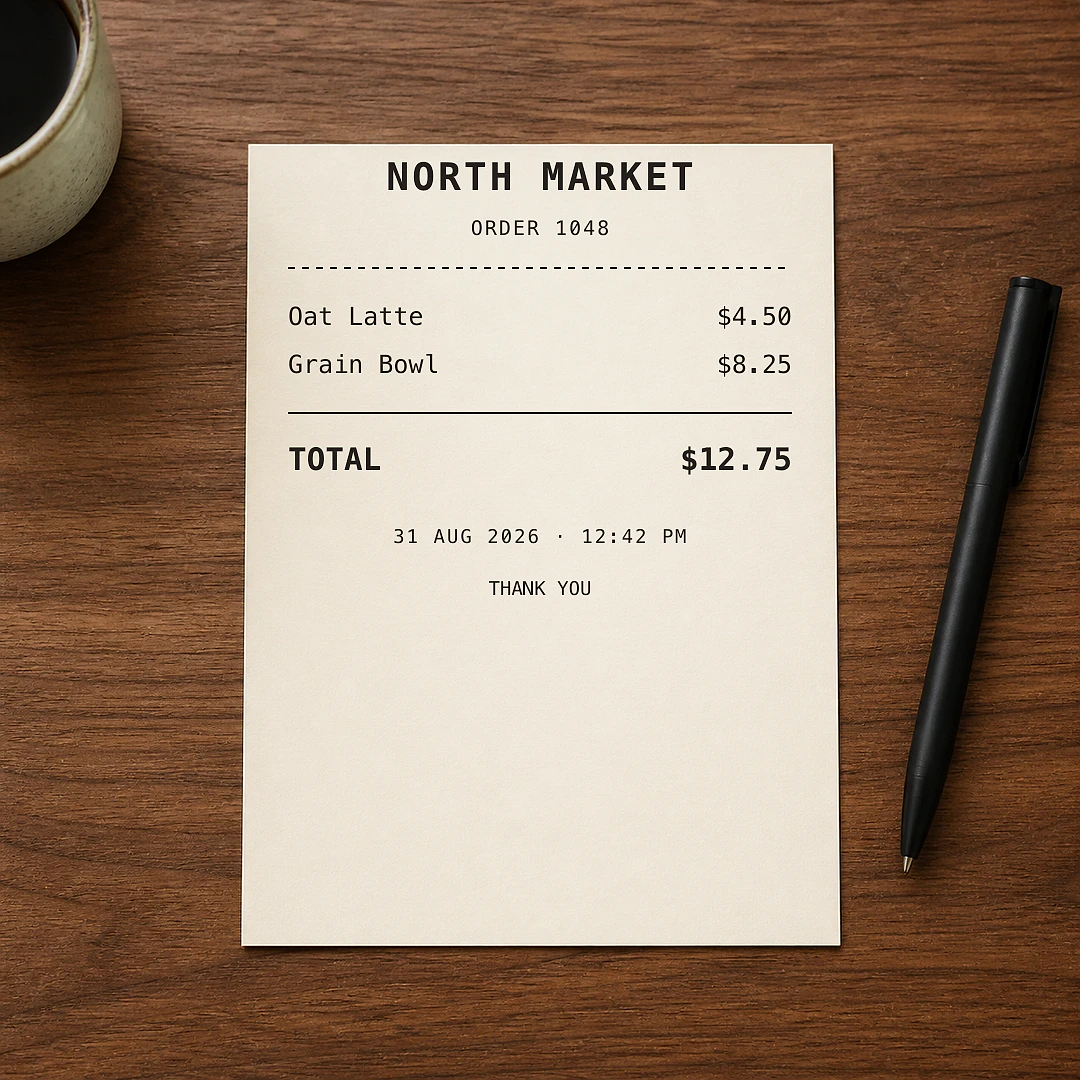
Illustrative receipt comparison · verify names, totals, and dates against the source.
Illustrative same-layout preview showing clearer printed text without changing the receipt structure or values.
Strengthen small interface labels and captured on-screen text.
Reduce softness around printed characters in recognizable document images.
The output remains an image; no editable text or transcription is generated.
The tool improves contrast and edge definition around text pixels already visible in the source. It is useful when a screenshot, label, receipt, or scan looks soft but the character shapes still exist.
It does not recognize, translate, transcribe, or verify the text. If characters are fully missing or illegible in the source, image enhancement cannot guarantee the correct wording.
Choose a screenshot, document photo, label, receipt, or scan where text shapes are still visible.
AI adjusts local contrast and edge clarity around existing character strokes and nearby background texture.
Compare names, numbers, and punctuation with the source because enhancement is not text recognition.
Input
Screenshots, document photos, labels, and scans are suitable source tasks.
Processing
The model improves the appearance of character strokes without converting them into editable text.
Output
The result remains a picture, so important text should be checked visually against the original.
Use a photo or blur tool when text is not the primary subject.
Upload an image and compare the enhanced text areas with the source.